Systems / Fleet Trip Costing
Fleet Trip Costing
Every daily truck trip is costed site by site, approved by the coordinator and the project manager, and turned into ready-made files for finance.
- AREA
- Fleet & logistics
- USERS
- Warehouse reps, coordinators, PM
- BUILT
- Sep – Oct 2026
- RUNS ON
- Supabase · Postgres · RLS · Edge Function · Cloudflare Pages
01 · THE PROBLEM
What did this truck trip cost each site?
One truck serves several sites in a day, for different contractors and job codes. Finance needs the cost charged to the right site, contractor and period, and every line approved.
BEFORE THE SYSTEM
Costing trips meant a lot of manual Excel work and pulling data out of several Google Sheets by hand.
02 · WHAT IT DOES
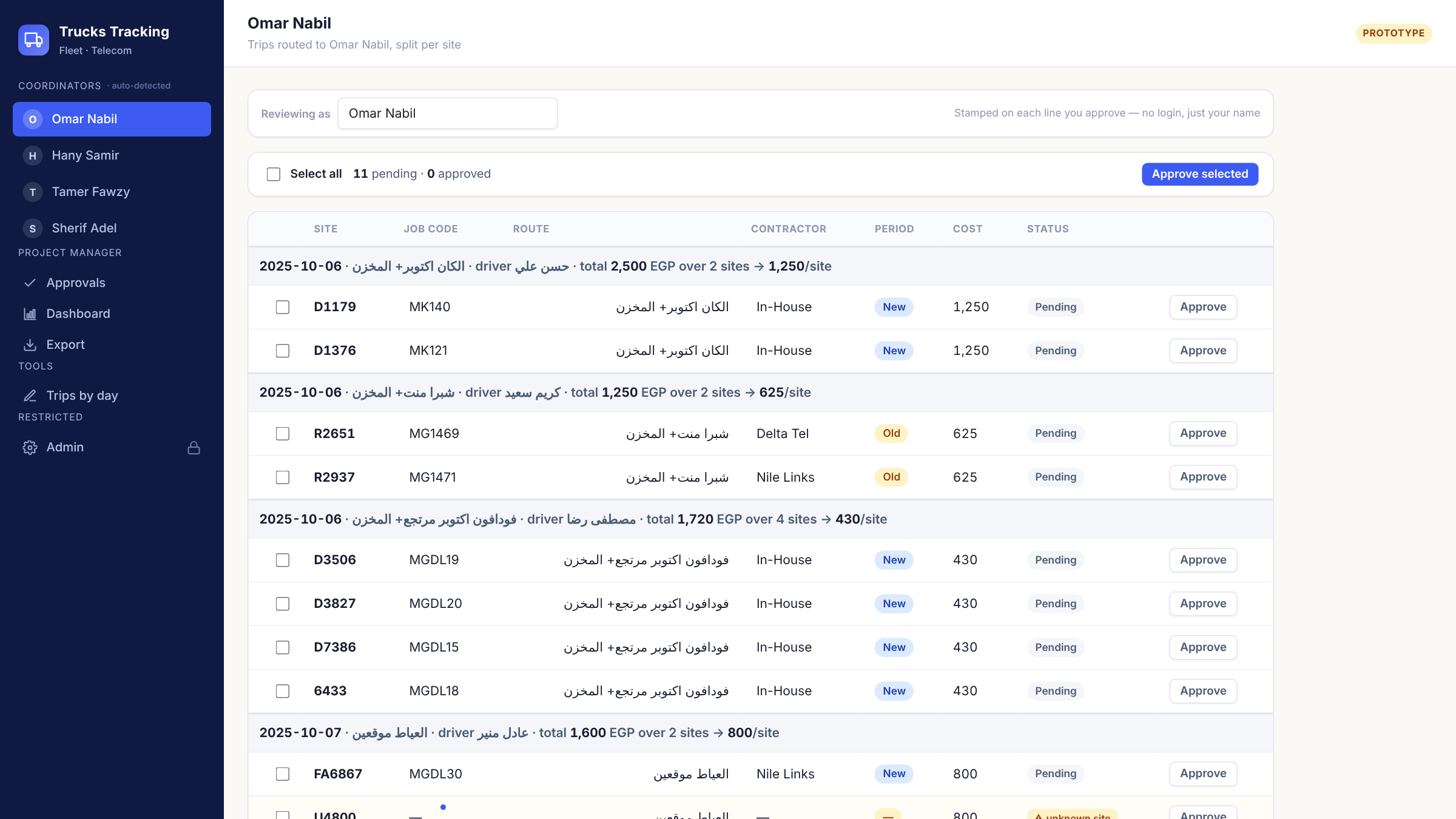
- a.Warehouse reps enter each day's trips in the app.
- b.Each trip is split per site, with job code, contractor and period filled in from the master data.
- c.Coordinators approve their own lines; the PM approves the rest, line by line or in one batch.
- d.Finance files come out ready: one for the in-house teams and one per contractor.
03 · HOW IT'S BUILT
From the warehouse to finance in one flow
ENTRY
Warehouse reps
Trips, drivers and sites.
SUPABASE · POSTGRES
Split, route, secure
Costs split per site; row-level security sends each line to the right coordinator.
APPROVAL + EXPORT
Coordinator → PM → finance
An edge function builds the finance files.
04 · HOW IT EVOLVED
Rebuilt twice as the needs grew
- MAR 2026 First version Google Sheets and Apps Script: trips, notifications, two roles.
- SEP 2026 Rebuilt on Sheets Per-site costing and the coordinator-then-PM approval chain.
- LATE SEP 2026 Moved to Supabase Postgres with row-level security and a shared login across apps.